
Booklets
The booklet mode is especially for booklet creation. Rich set of options are: number of sheets in fold, gutters, margins and more. It is easy to create a booklet with priPrinter.
1At first You may want to print from any application to priPrinter printer or load already printed file.
Learn more about printing to priPrinter
2Switch to booklet mode. Booklet mode could be activated by selecting the following menu item:
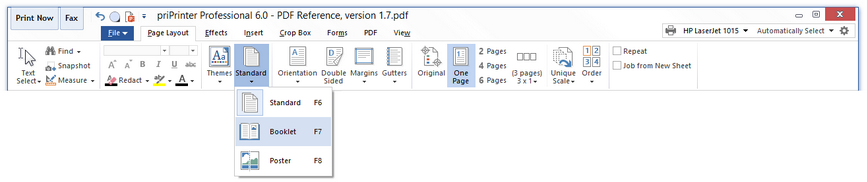
That's it. Rest, is about look and feel of your booklet.
Horizontal and Vertical Booklets
|
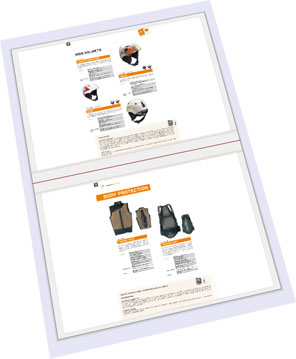
Booklet could be printed in portrait or landscape mode. Hence pages can be bended horizontally or vertically. This mode is selected by gutter position in gutters menu. 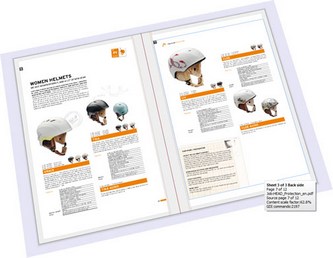 |
 |
Multiple source pages per page
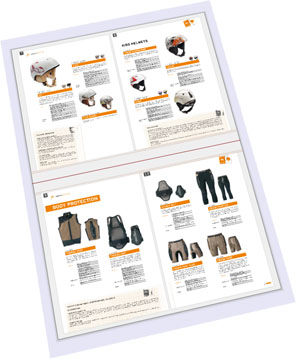
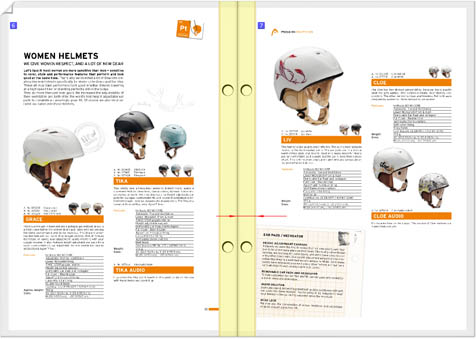
priPrinter does support multiple source pages per single brochure page. You are free to put as many source pages as you want onto a single page. However 1 and 2 are most common choices. Of course, 1 page is default.
Adjustable margins and gutters
Size of gutters and margins can be changed by mouse dragging or in the page setup dialog.
Sub booklets
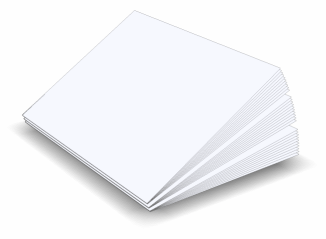
For a large brochure it could be hard to bend pages and feet pages all together. For a such case you may want to enable sub-booklet option.
 |
 |
|
|
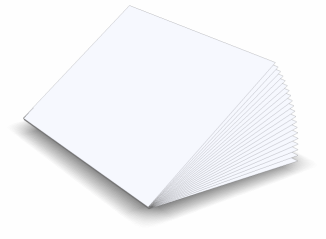
Simple booklet mode. |
Sub booklet mode. It can be easier to bend and staple pages in this mode. Maximum number of pages in sub booklet can be easy changed in page display dialog. 10 is default number. |
Cut-up booklets
This options was introduced in priPrinter 3.1 and allows you to create small booklets by using paper sheets of ordinary size. priPrinter will print pages for you, you will need to bend pages and cut them with scissors.
 |
 |
|
|
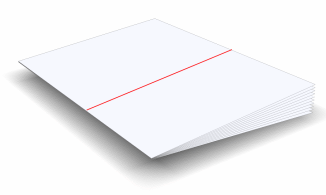
1. Booklet can be printed as usual, however it
should be cut into two parts. |
2. After cutting, second portion should be inserted into first one. Finally you may get pocket size brochure made from paper of standard size. |
Cut-up booklet should be enabled by pressing "Cut-Up" booklet mode button on booklet tab, but there are some special conditions should be met. Gutter must be set to Vertical and number of pages per per sheet set to 1x2 or 1x3.
3D preview
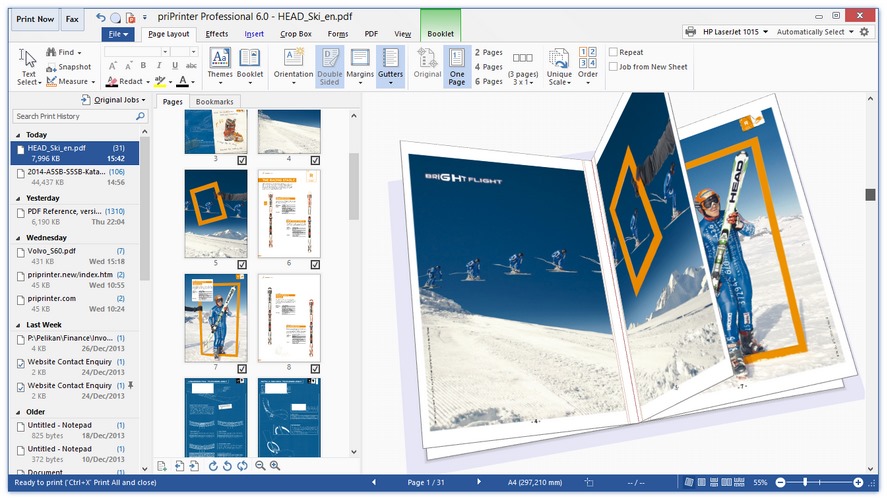
3D Previews is just great for booklets. It's very easy to imagine how your booklet will look in the real world. Learn more about 3D.
Sample Workflow
See also: Printing a Booklet tutorial.