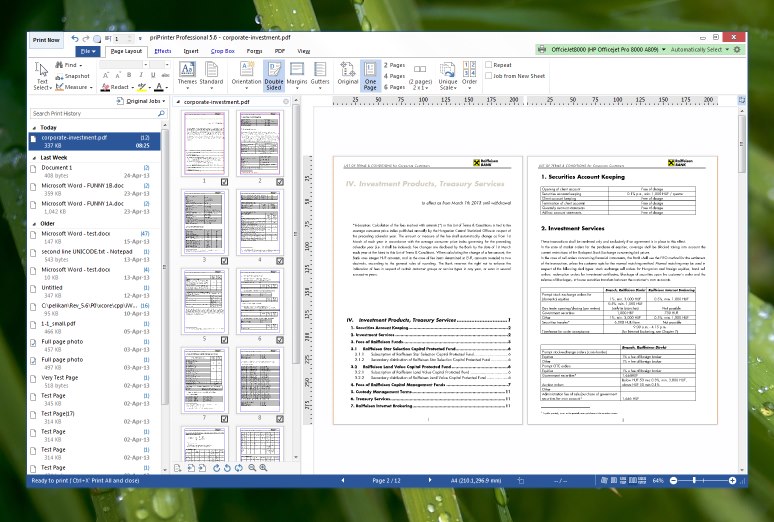
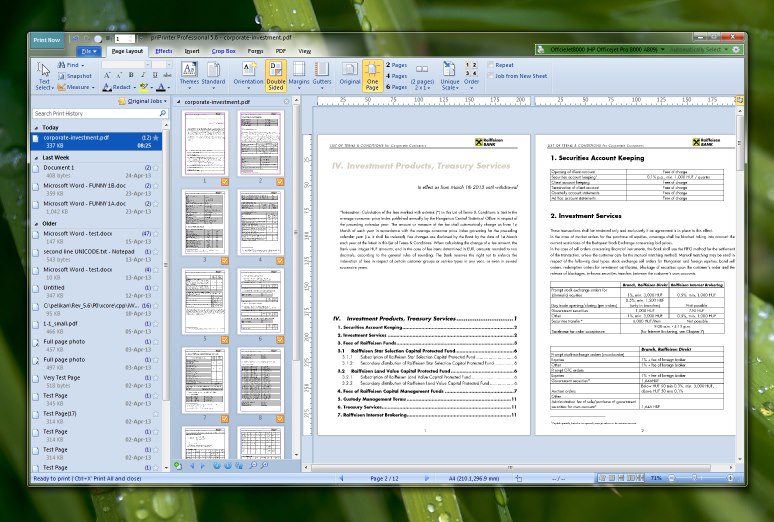
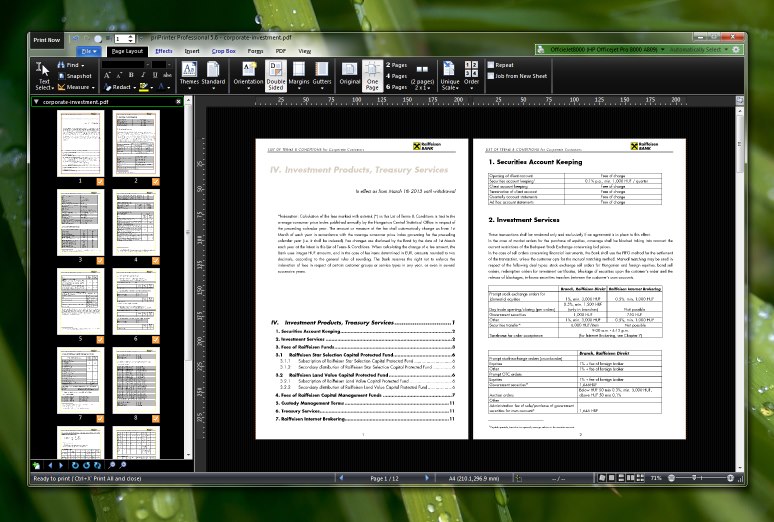
You can choose from White, Blue, Gray, High
Contrast black, Windows 8 or Windows 8 Light Gray.
Select  , Options....
In Options dialog select Customize tab. Pick theme name
from drop down list.
, Options....
In Options dialog select Customize tab. Pick theme name
from drop down list.
Quit by Esc key
You may want to quit from print preview
with Esc key. It's possible to enable such functionality.
Open Options dialog, select Advanced tab. Toggle "Fast quit on Esc key".
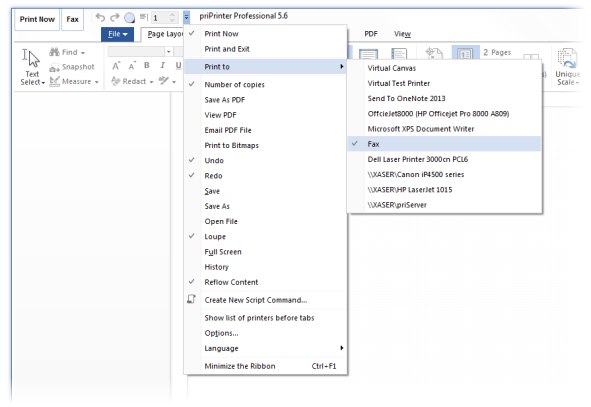
Quick launch bar buttons
"Print Now", "Print and
Exit", "Number of copies", "Print now to another printer",
Undo/Redo, View Full Screen and more. Just click on  and select required button. You may RClick on this button later and delete it via menu. Print To button can be renamed via RClick and Selecting Rename item.
It's possible to reduce size of main print buttons. priPrinter with
small button looks in the following way:
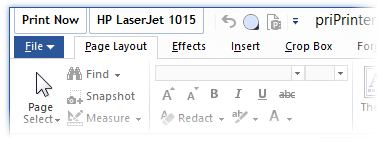
In priPinter 6.6 print buttons may be moved to the ribbon. This
option is avaiable in Options Dialog.
Aero effect for tabs and quick launch bar
Open Options dialog, select Customize tab. Toggle Enable Aero checkbox. When Aero effect is disabled,
priPrinter may look in the following way:
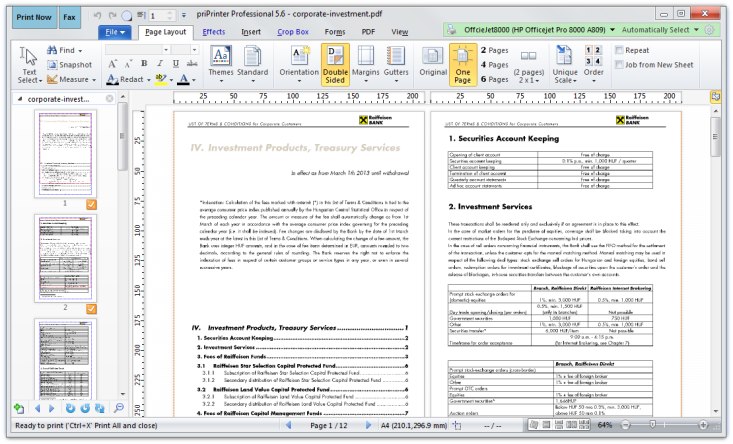
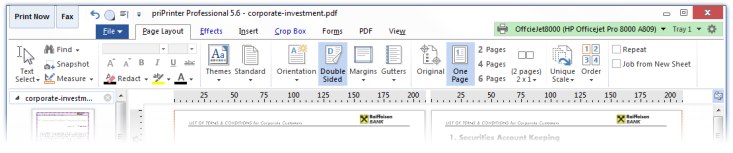
Position of Printers drop down list
It can be on the left or on
the right.
Default is right side.
However you can move it to the left side and reduce ribbon
height a bit.
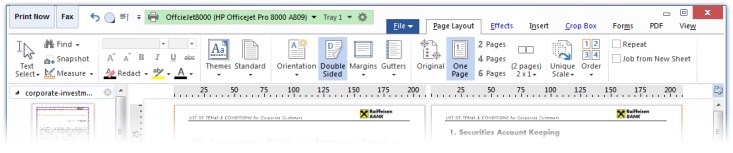
There are more options to configure. For instance you can reduce
height of print buttons, enable print history window.
All tutorials